Skip to content

video tutorial

Arduino microcontroller and guides and video tutorials

Operational principle of Arduino Analog Pins

The aim of this project is to get acquainted with the way of using the potentiometer, the operation of analog inputs and reading the values from the sensors (in this case the role of the sensor is played by the potentiometer). A theoretical explanation is given at the beginning of the video. In the following, we will see what it looks like when we read the voltage that we control with a potentiometer from the analog input of the Arduino, and how we use that voltage value to control the light intensity of the LED.

Read More »Operational principle of Arduino Analog Pins
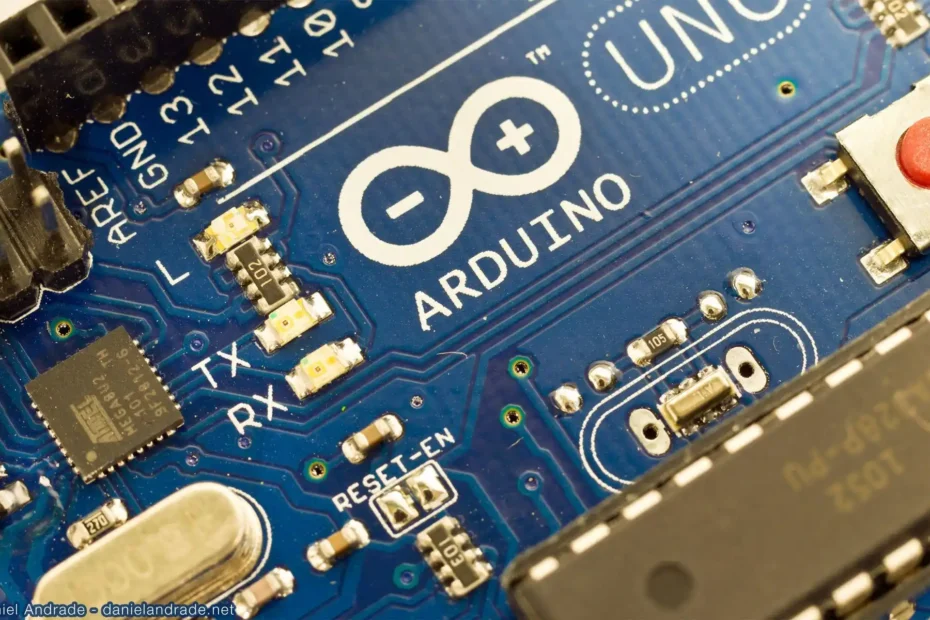
Arduino microcontroller and guides and video tutorials

Understanding Pull-Up and Pull-Down Resistors

When using a microcontroller, when the pin we use as an input is not set to “HIGH” or “LOW” state, but its state “floats” between these two values, we say that it is in a state of high impedance. This is a condition that we definitely want to avoid because it leads to irregularities (unpredictability) in work and that is why we introduce a concept like“pull-up”and“pull-down”resistors. These are not special types of resistors, but resistors that allow us to maintain the desired state of the logic circuit regardless of the conditions. Arduino pin is connected via this resistor to a constant value, either to the + 5V power supply or to the GND (ground). In the first case it is a “pull-up”, while in the second we are talking about a “pull-down” resistor.

Read More »Understanding Pull-Up and Pull-Down Resistors